
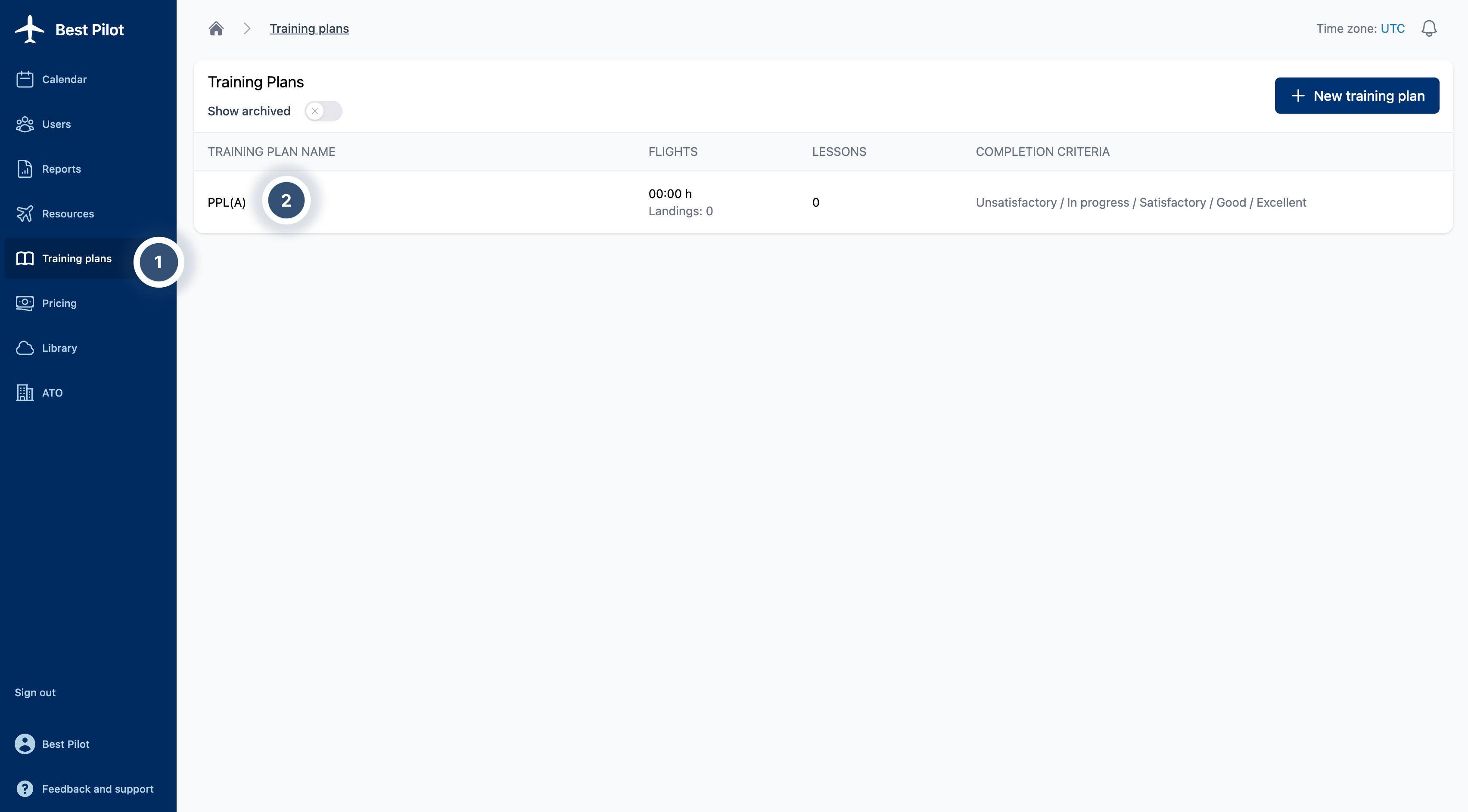
1. Sign as Administrator to your Best Pilot and select the Training Plans module from the panel. (1)
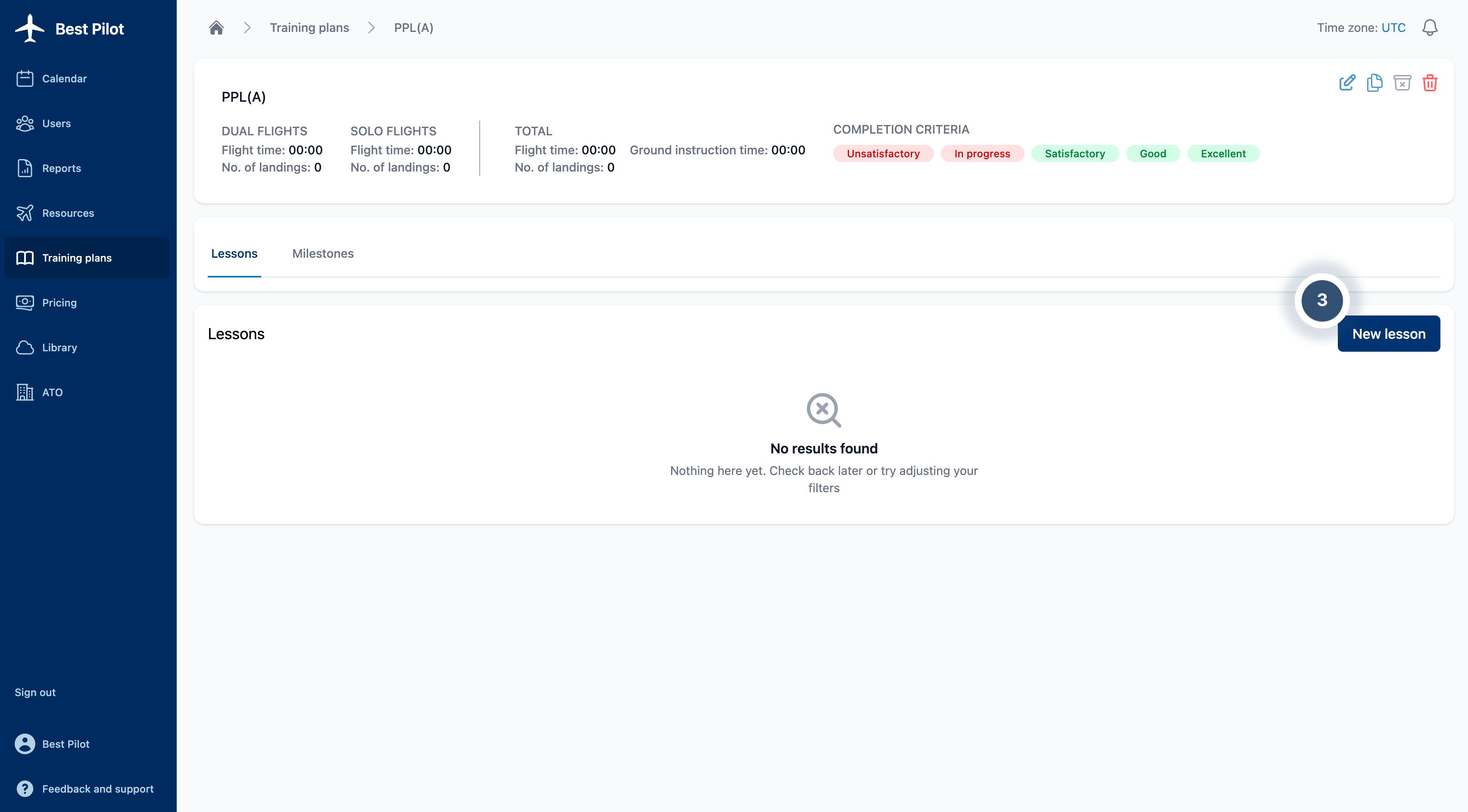
2. Select Training to which you want to add a lesson. (2)
3. Select New lesson button. (3)
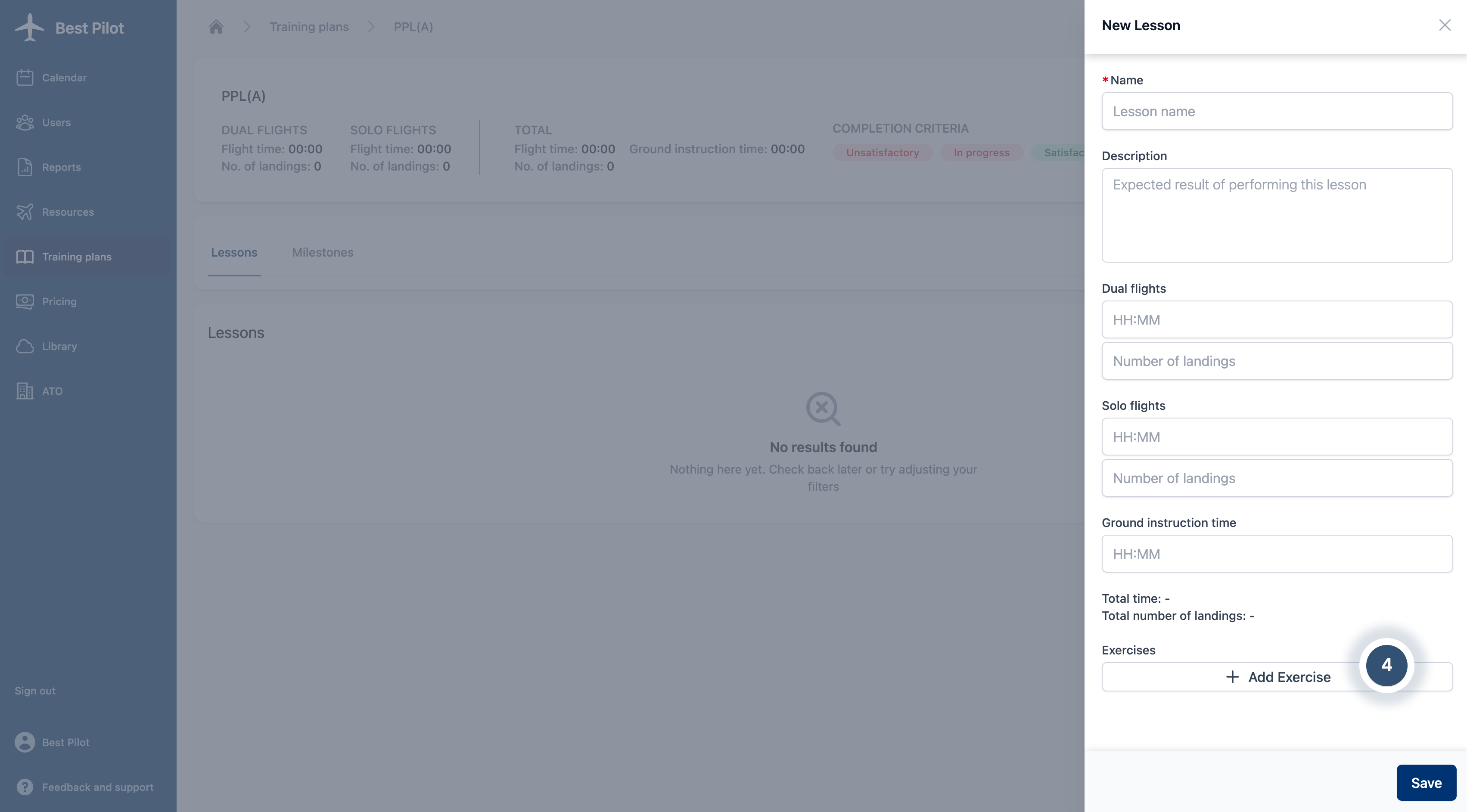
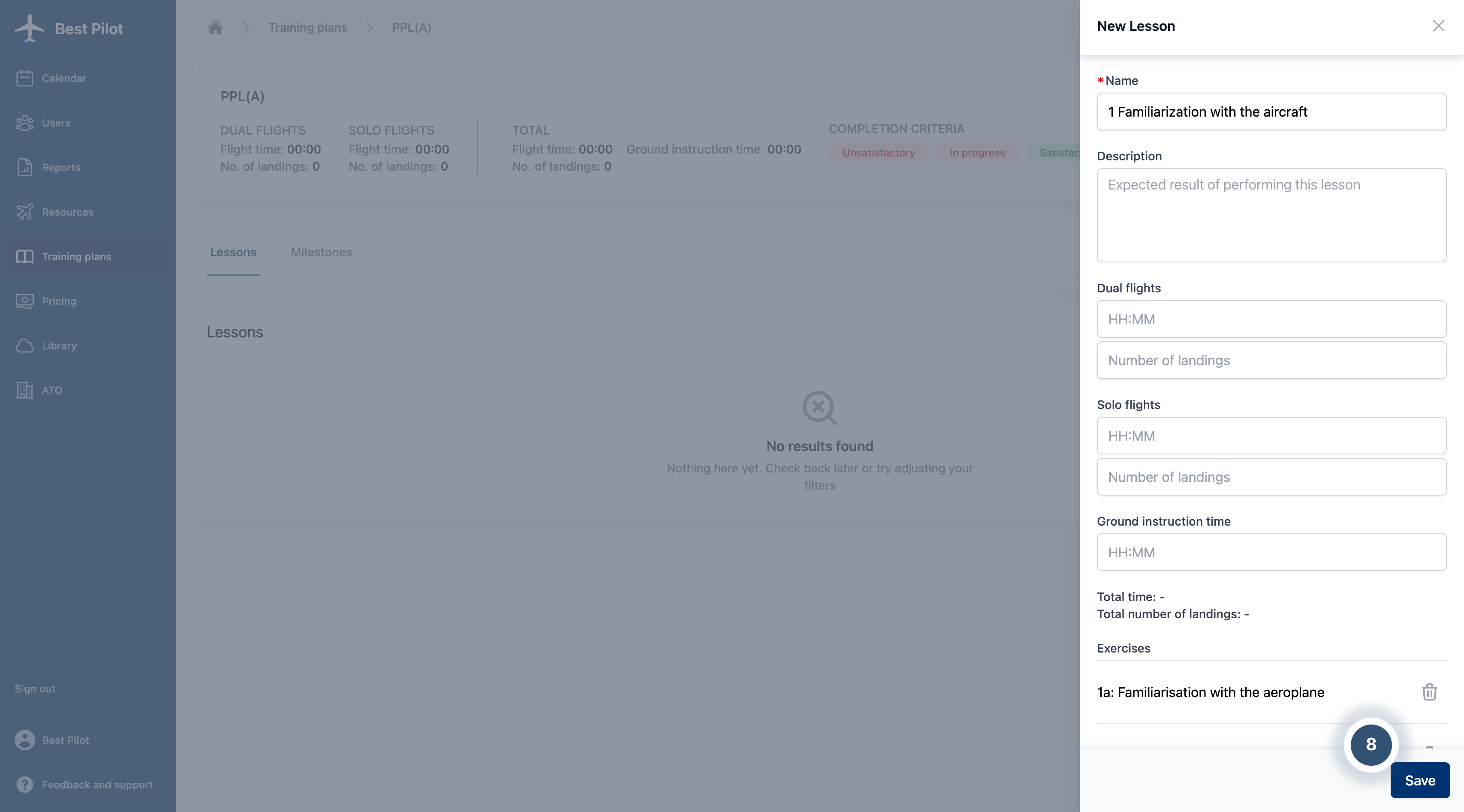
4. The New lesson addition form will appear on the right side of the page.
5. Fill out the form with Lesson Name information and other details about Dual flights, Solo flights or Ground instruction time if needed.
6. You can also add Exercises from those available after clicking on + Add Exercise button. (4)
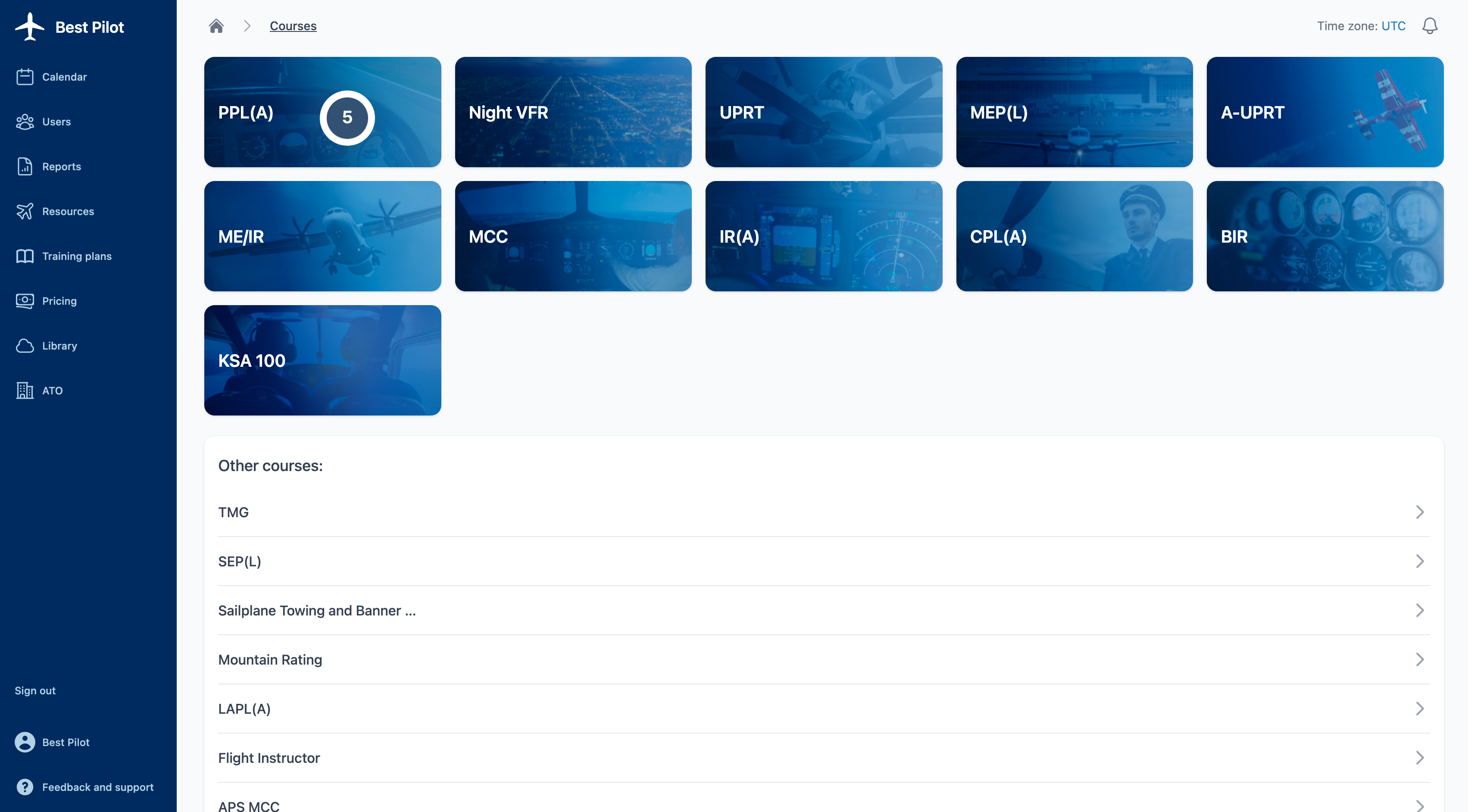
7. Choose proper training. (5)
8. Select needed exercises by clicking boxes next to them. (6)
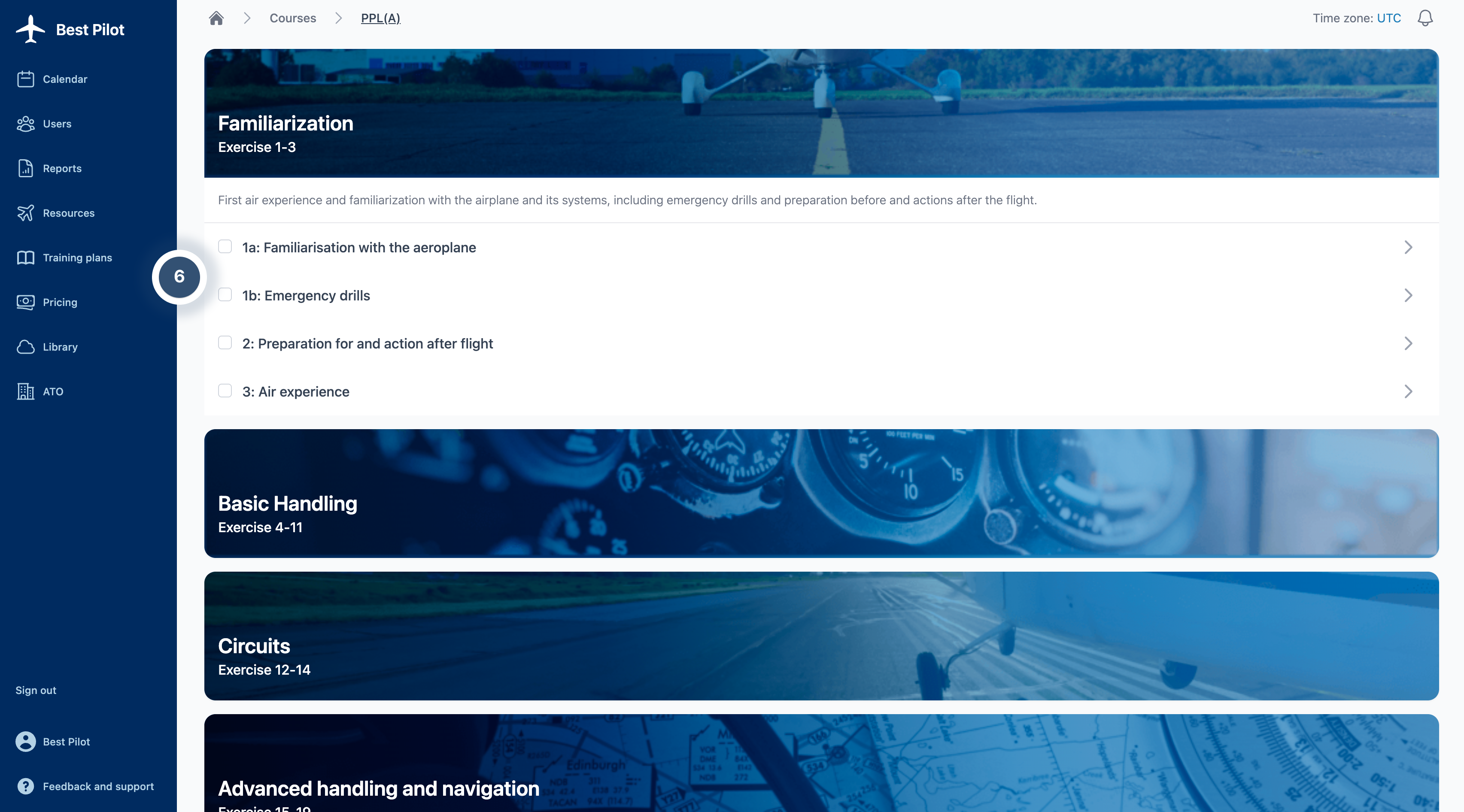
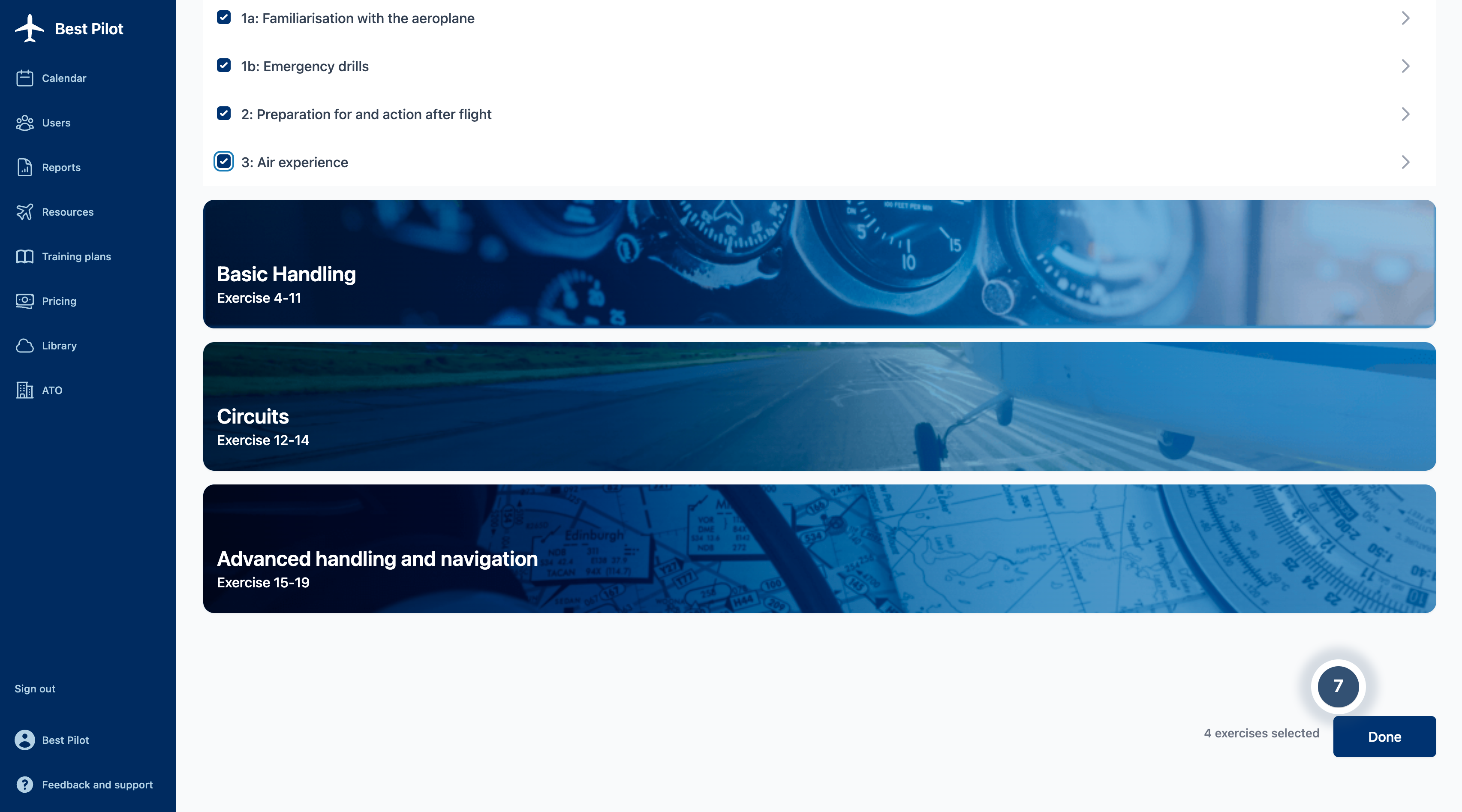
9. Scroll to the end of a page and select Done button. (7)
10. If everything is set, you can select the Save button. (8)
NOTE:
Later on, you will be able to change ONLY Lesson Name.