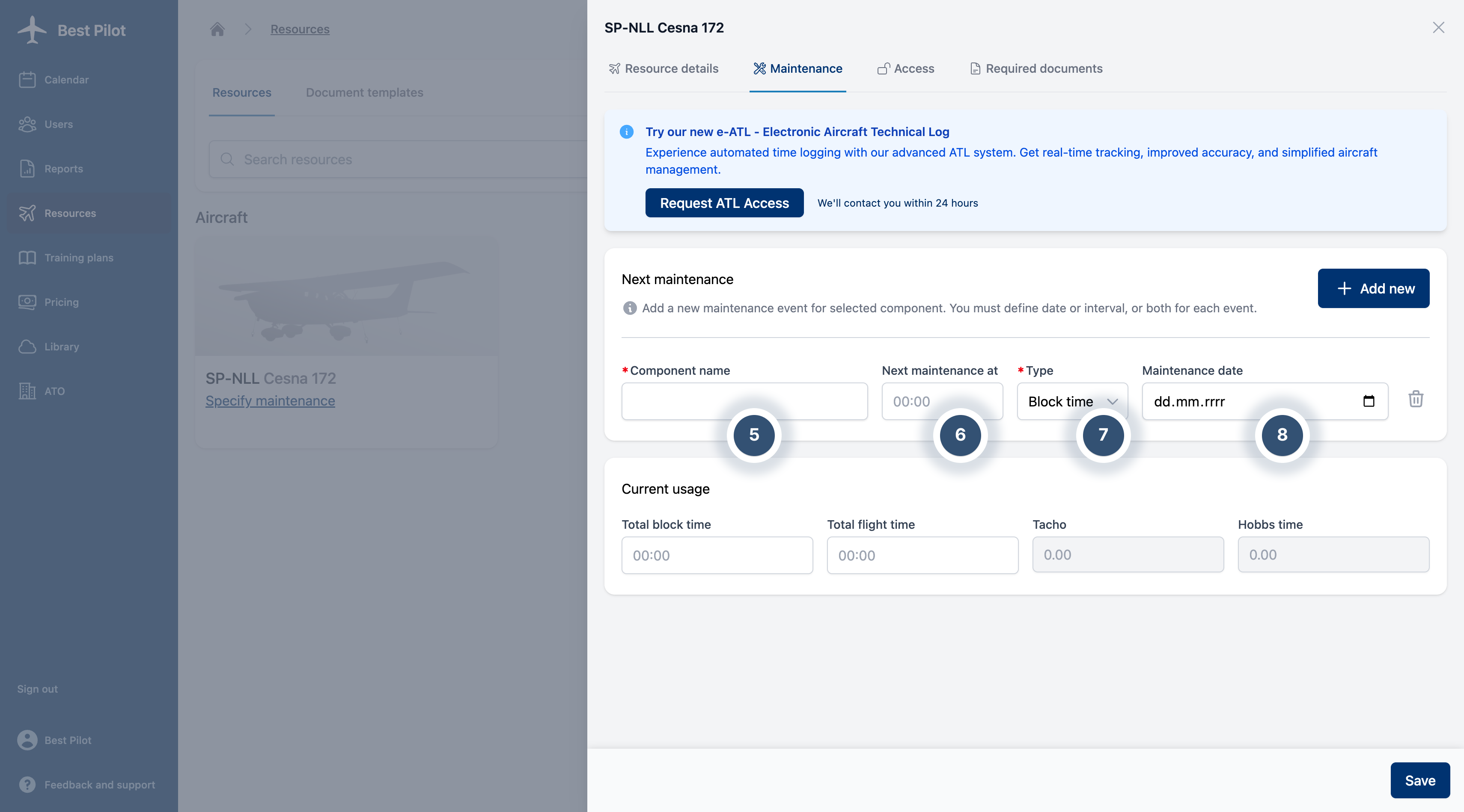
The system allows tracking of aircraft maintenance schedules, including precise monitoring of maintenance dates and times.
1. Navigate to the Resources section from the main menu and click the Aircraft you want to archive (1)
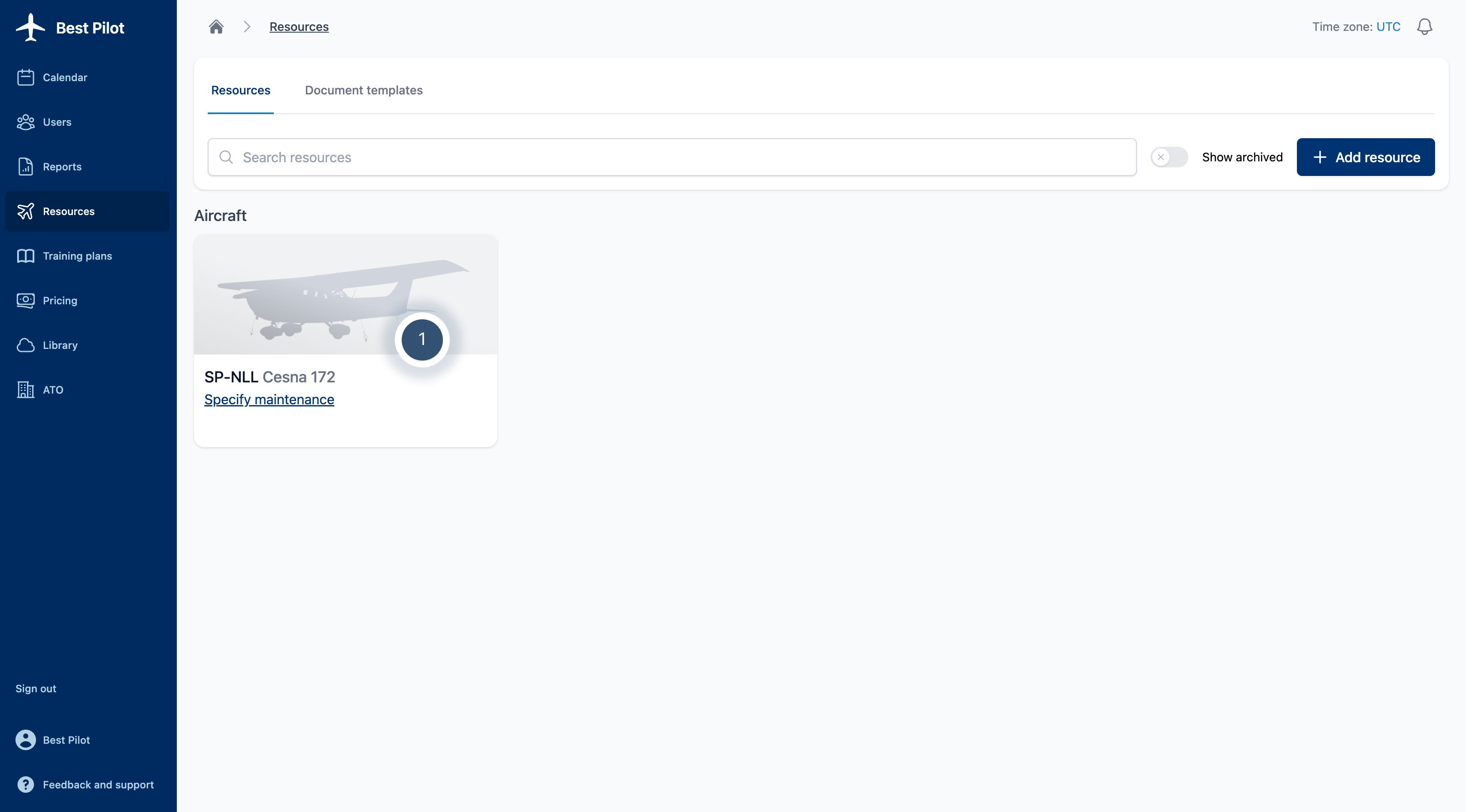
2. In the Maintenance (2) section, you can add (3) new components to monitor and manage maintenance activities effectively.
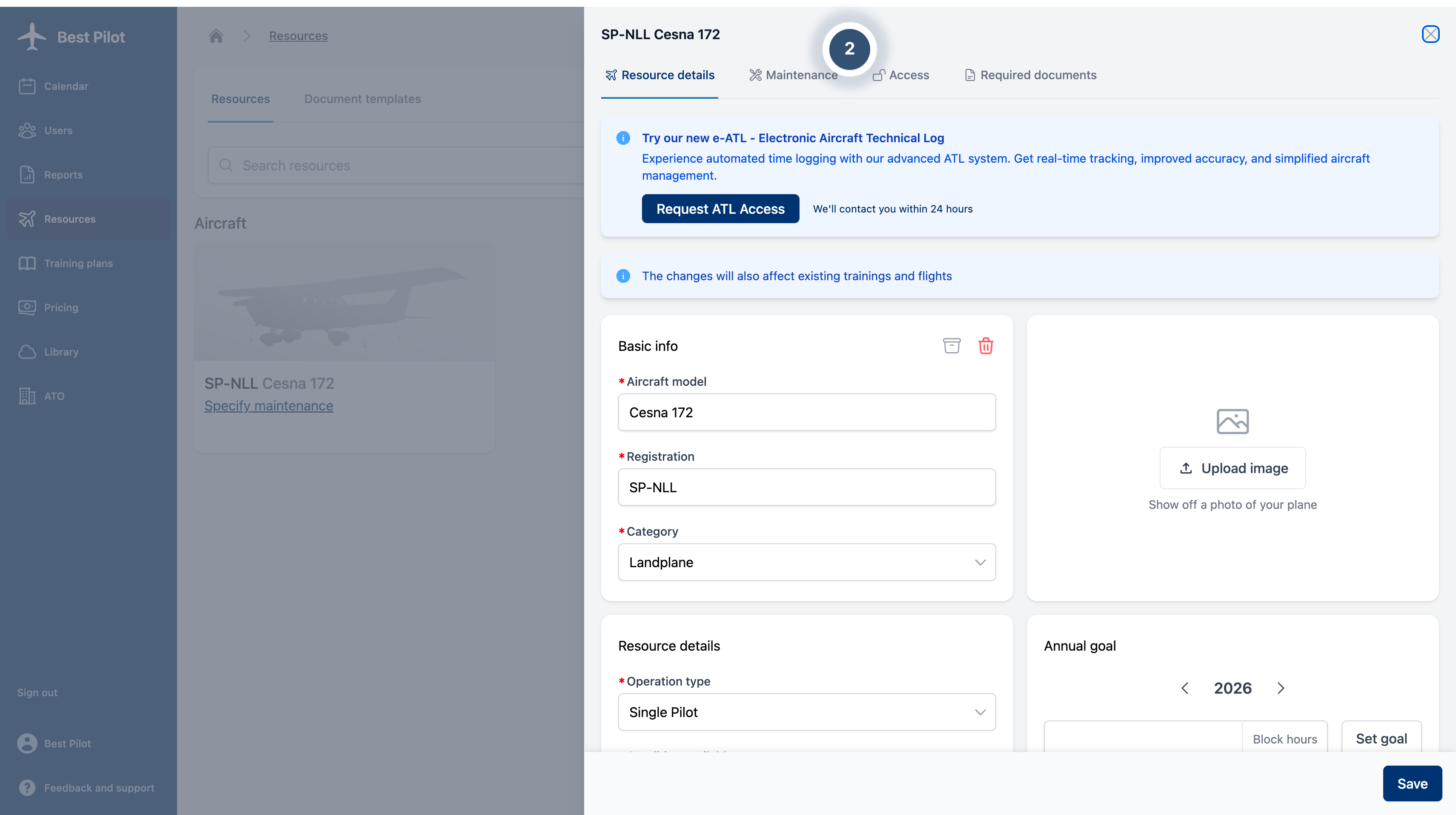
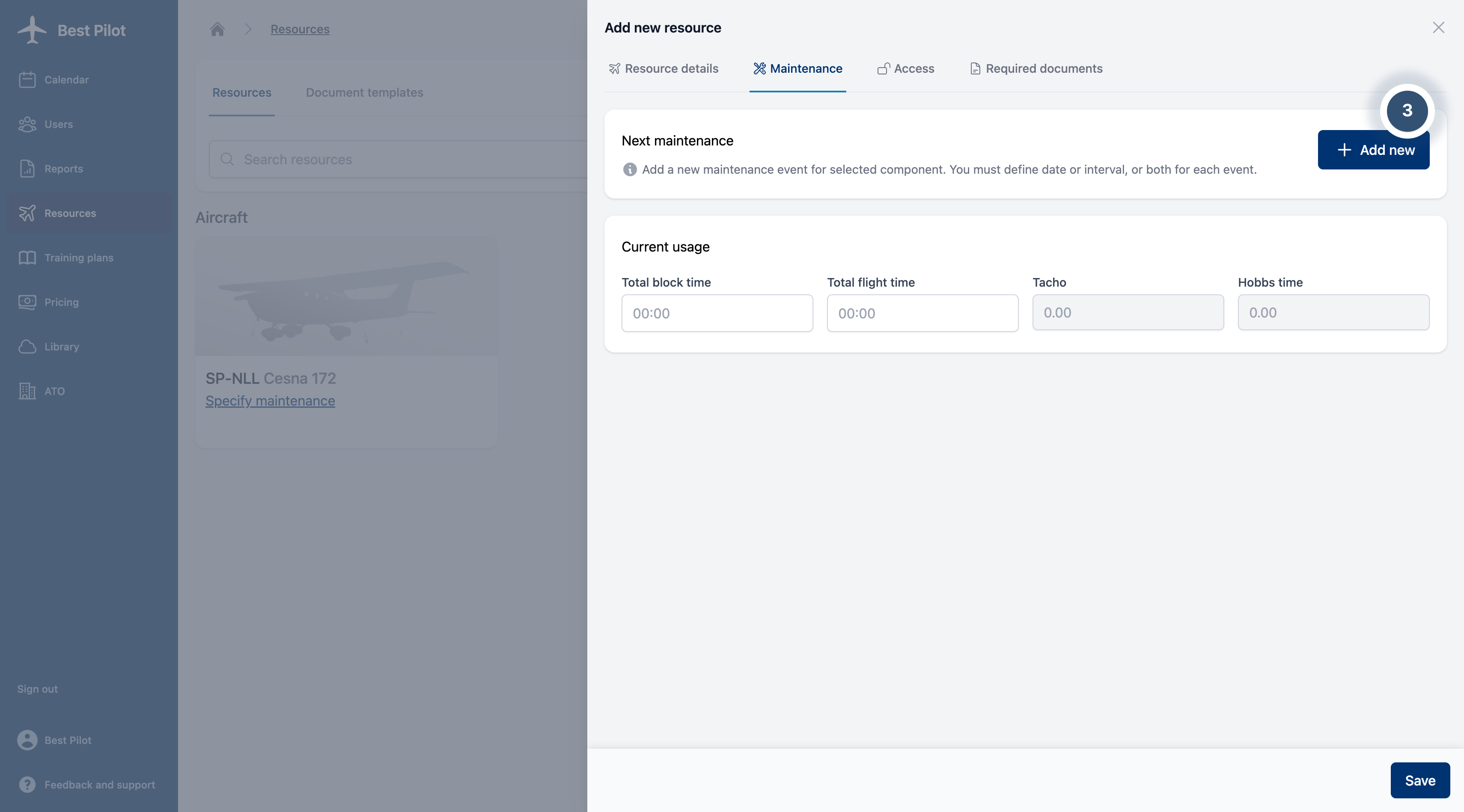
3. The following fields are available:
Component name (5) – Specify the component, such as the engine.
Next maintenance at (6) – Indicate the interval or time when this component requires maintenance.
Type (7) – Define the measurement basis for maintenance intervals (e.g., hours, cycles).
Maintenance date (8) – Time remaining until the next scheduled maintenance event.