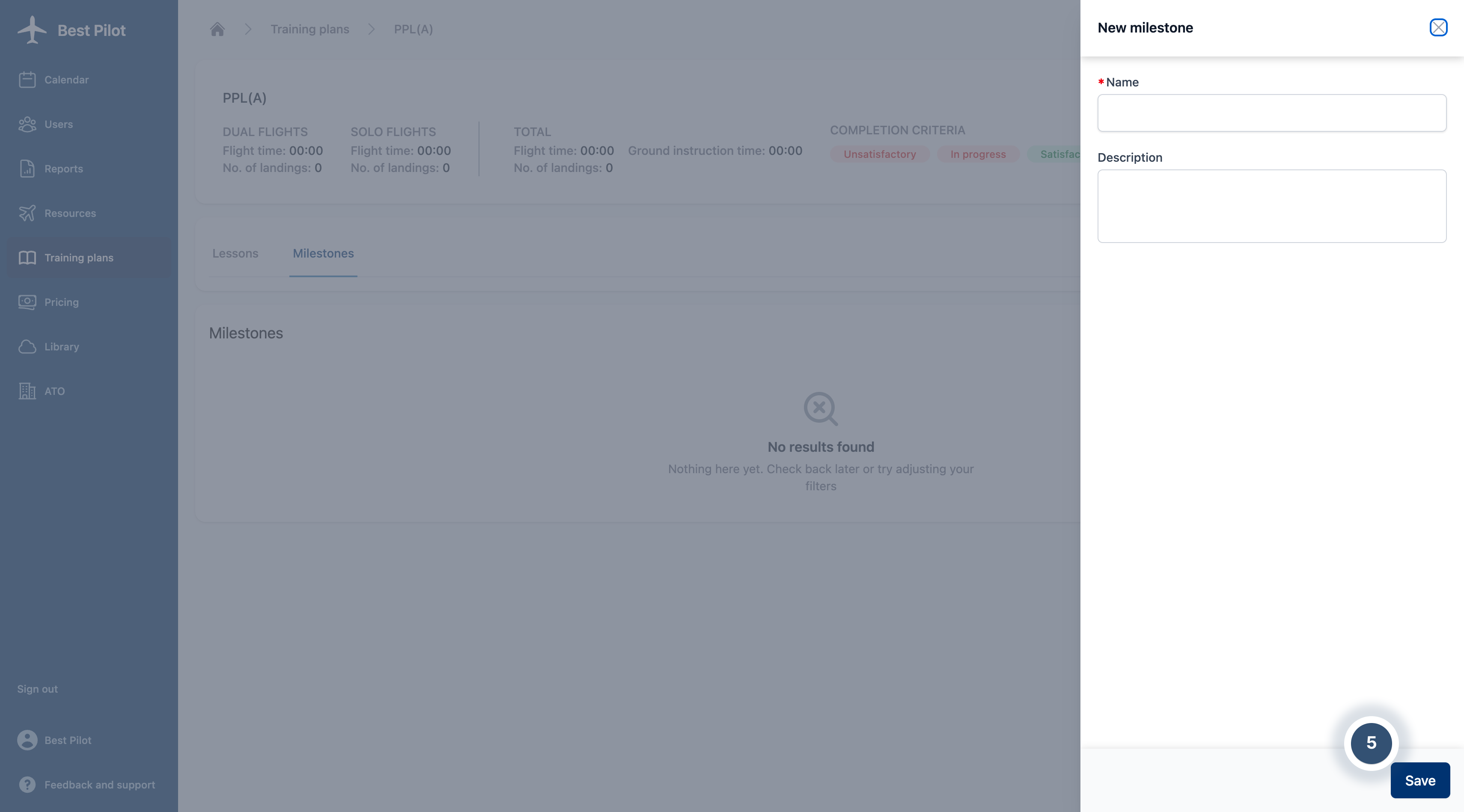
Follow the sequence to learn how to add Milestones to the Best Pilot environment.
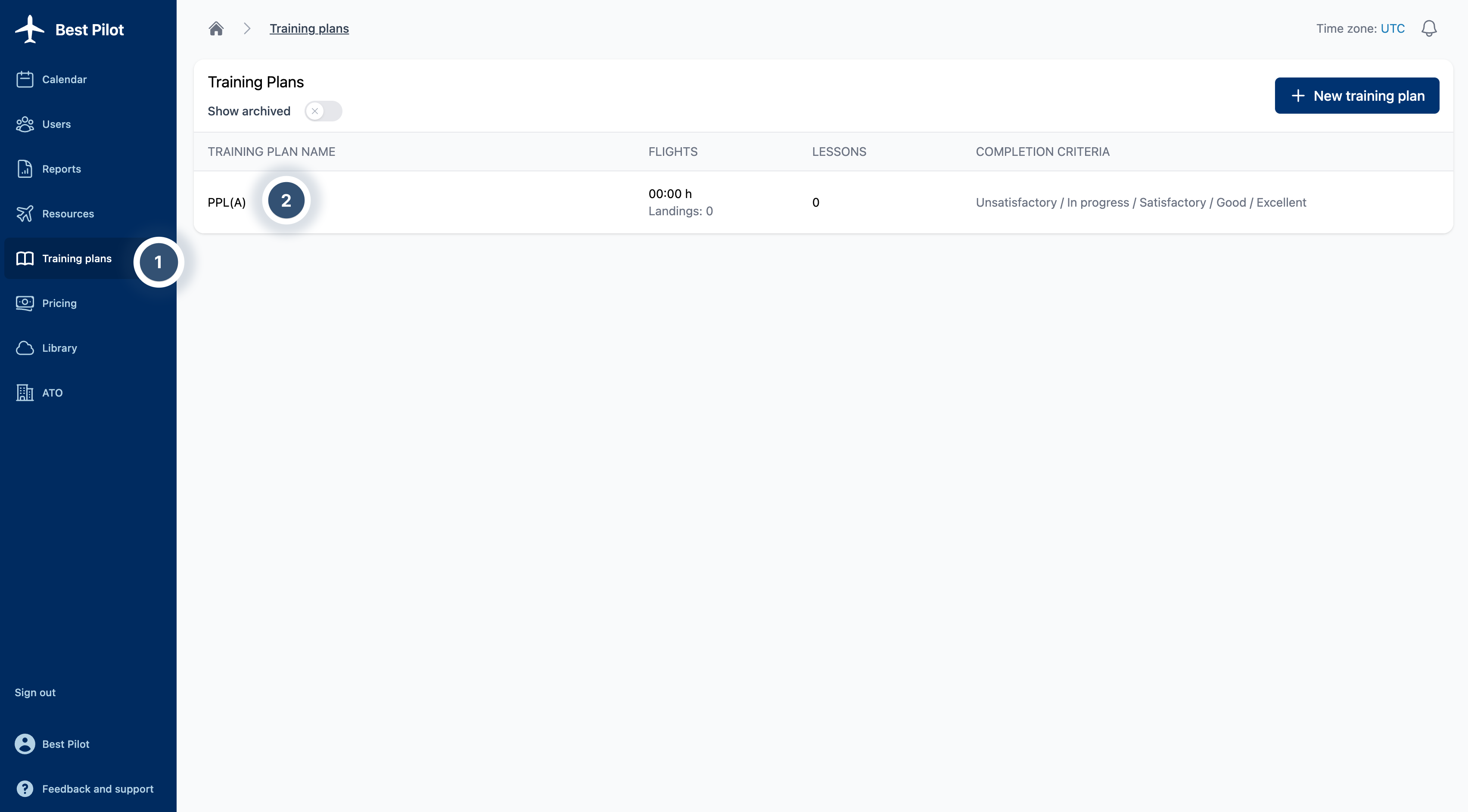
1. Sign as Administrator to your Best Pilot and select the Training Plans module from the panel. (1)
2. Select Training to which you want to add a milestone. (2)
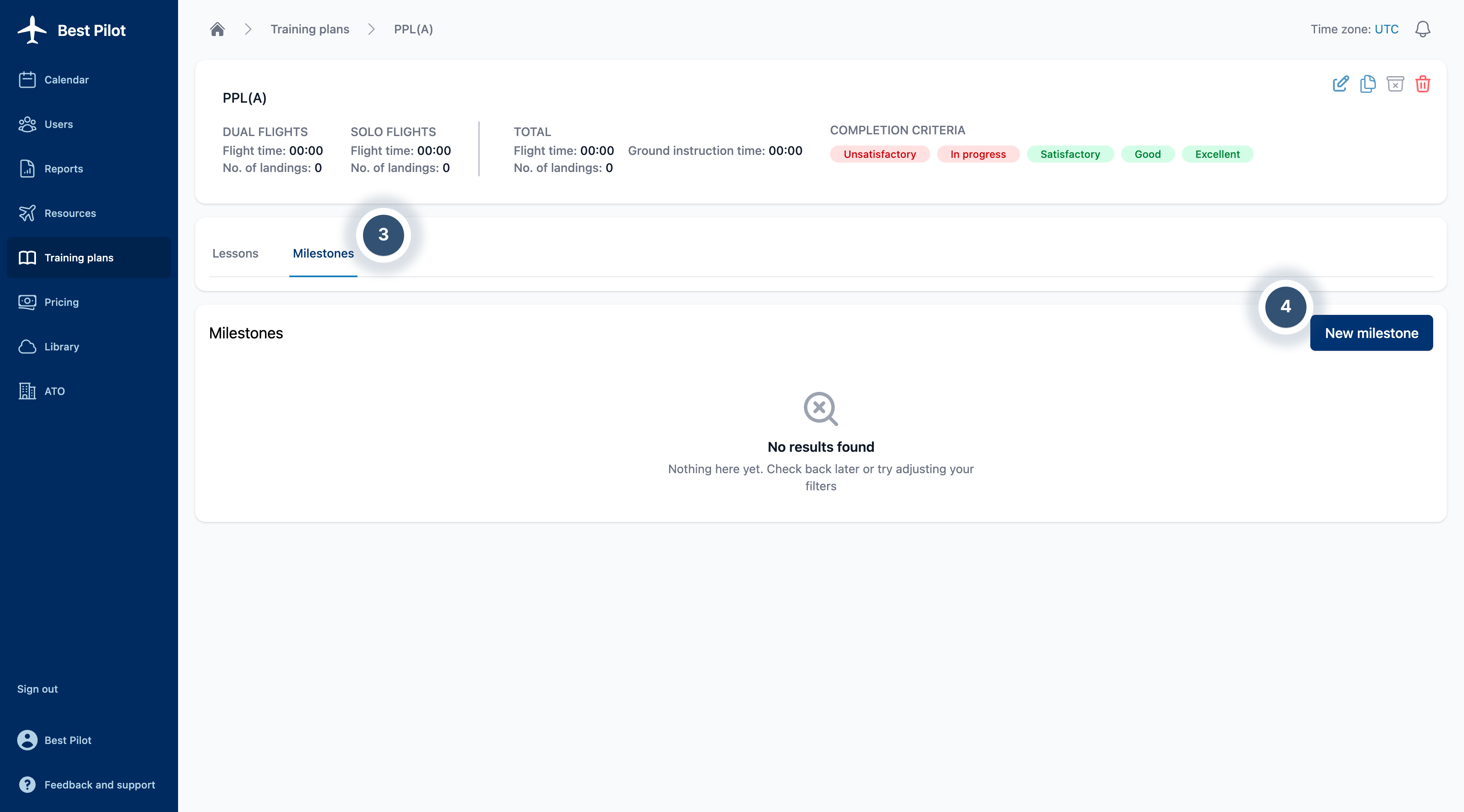
3. Select Milestones bookmark. (3)
4. Select New milestone button. (4)
5. The New lesson addition form will appear on the right side of the page.
6. Fill out the form with Name of new milestone and Description if needed.
7. If everything is set, you can select the Save button. (5)