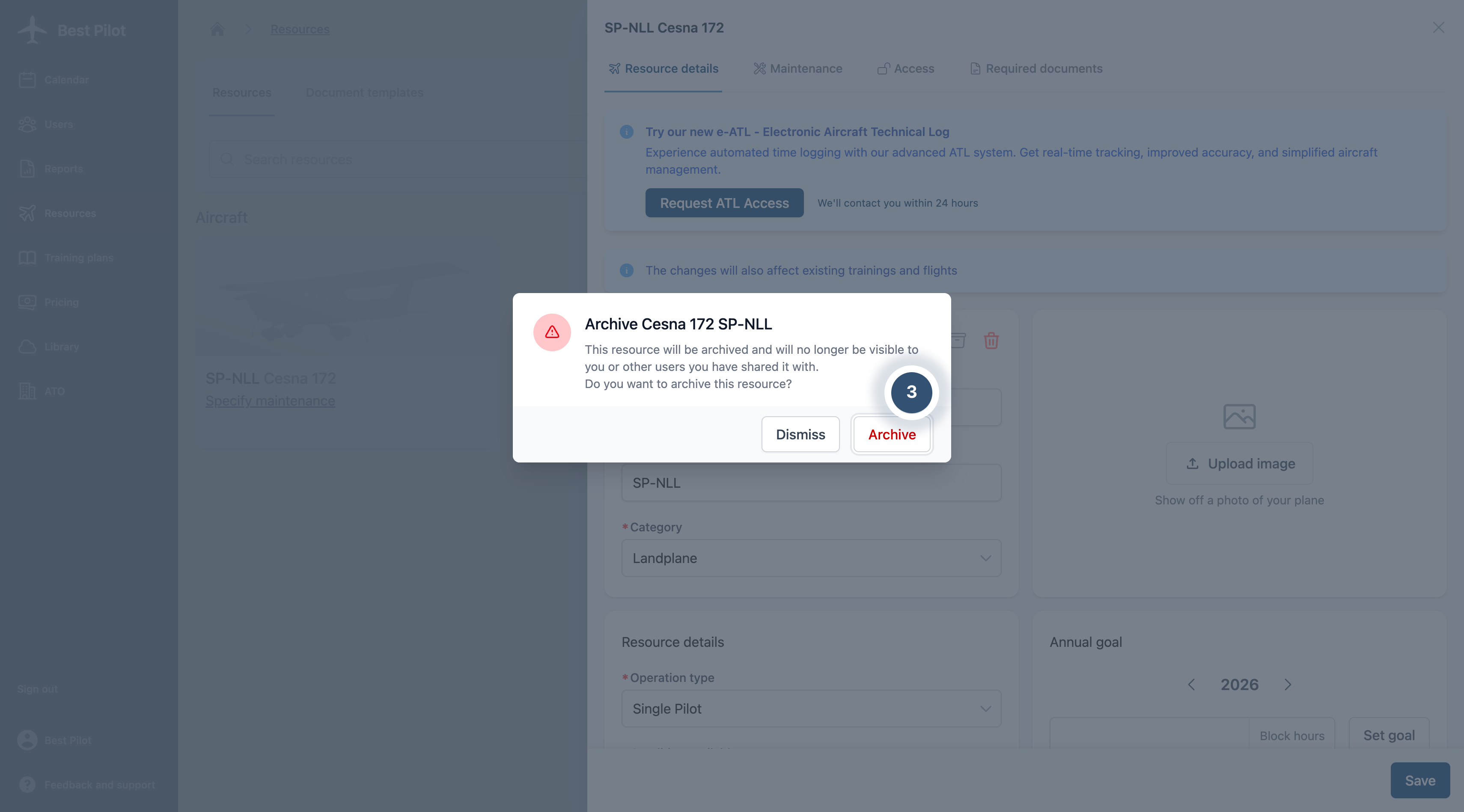
When an aircraft is no longer in active use, you may archive it. Archived aircraft will be hidden from standard view and can only be accessed by enabling the "Show archived" option.
1. Navigate to the Resources section from the main menu and click the Aircraft you want to archive (1)
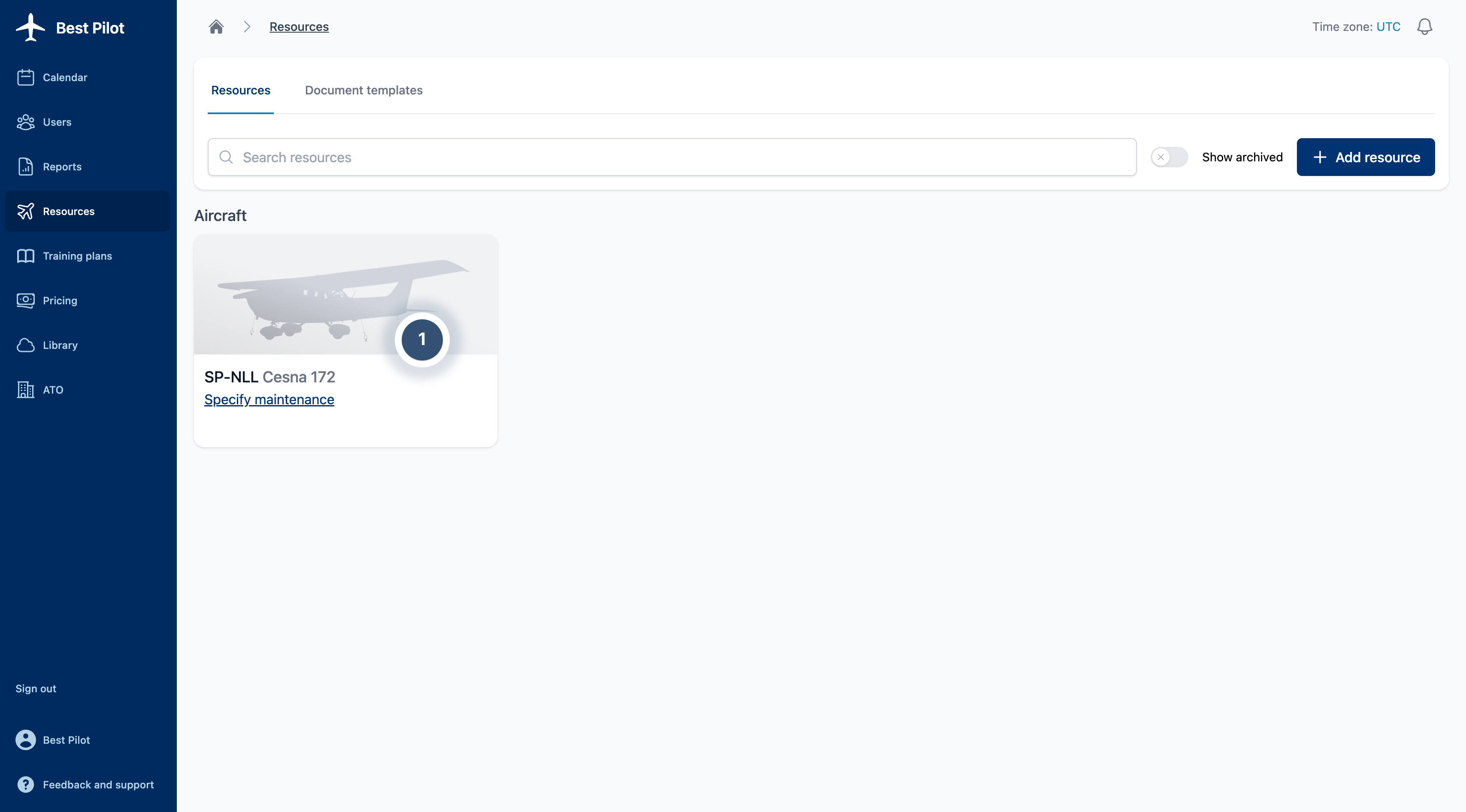
2. Click the archive button (2), identified by the archiving icon.
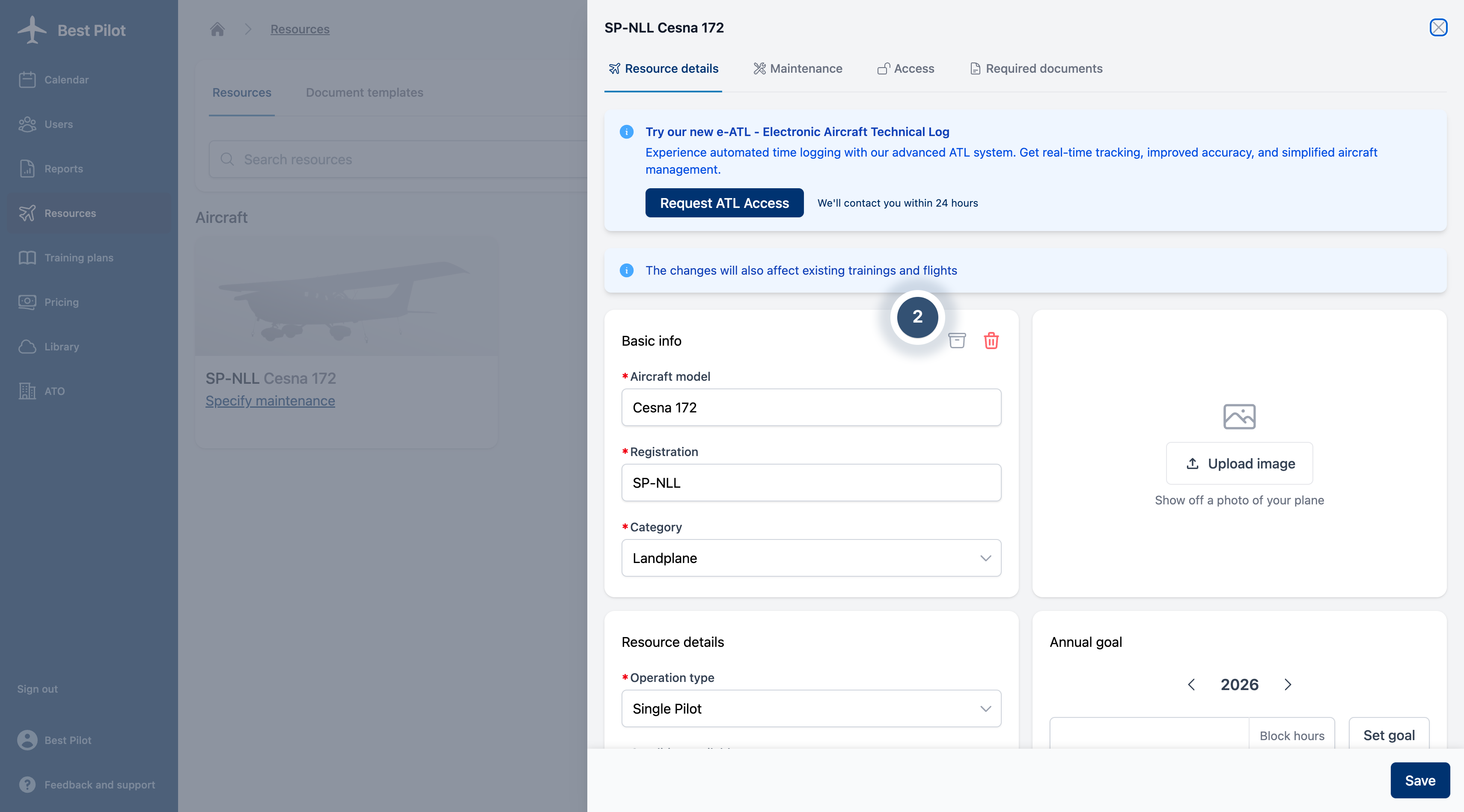
3. Confirm the archiving of the selected aircraft (3). Archived aircraft remain restorable and can be reinstated at any time.