
Users module is only available to accounts with “Airline Manager” and “Station Manager” roles obtainable only through Evionica Customer Success (contact support.wb@evionica.com for assistance).
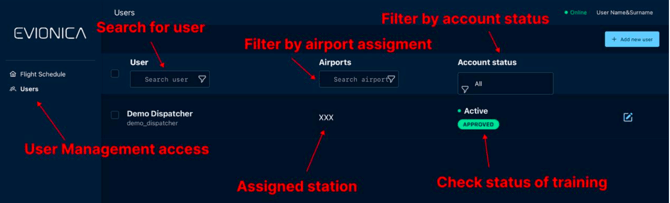
Users module is only available to accounts with “Airline Manager” and “Station Manager” roles obtainable only through Evionica Customer Success (contact support.wb@evionica.com for assistance).