
The Evionica W&B solution allows for basic data editing after a flight is created. The only paramaters that can be updated are the Time of departure and the Aircraft.
To edit the details:
-
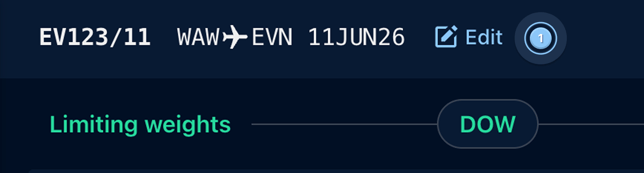
Click on the Edit button on the top bar, next to the operational date ( 1 ).
- Edit the details ( 2 ) and click on Save ( 3 ).
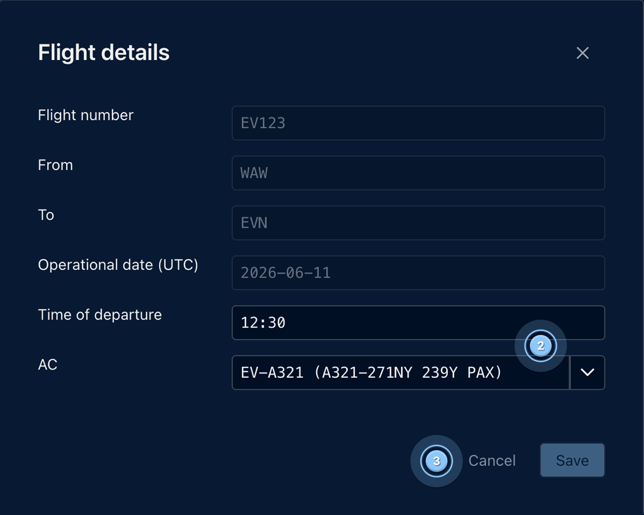
There is no possibility to edit the Flight number, Departure and Destination and the Operational date, in case any of these need updating a new flight must be created or existing flight copied with the new details.
To copy a flight:
-
Please click on the copy icon on the flight schedule list ( 4 ).

-
Enter the new data, then click Copy.
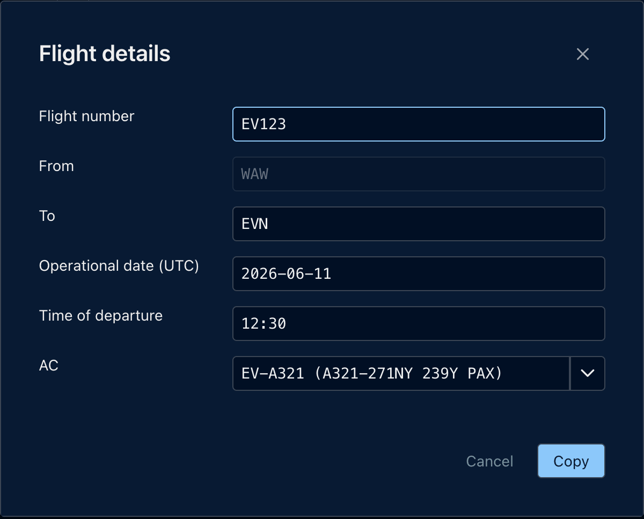
Note: when copying, the payload data is copied as well.