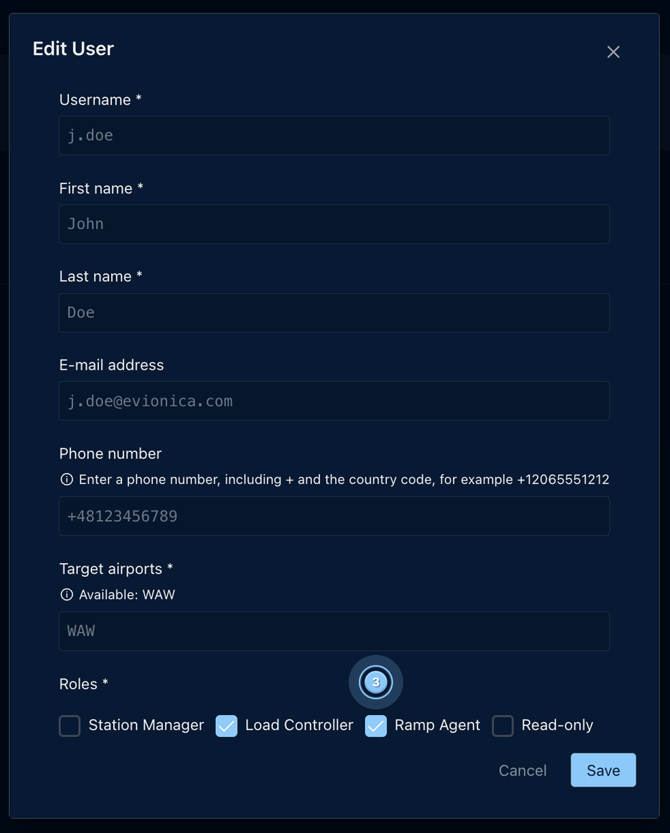
In the Users panel, it is only possible to update the user roles. Any other data like name and surname, email address, phone number and airports access can only be edited by Evionica. To request such updates, please get in touch with Customer Success at support.wb@evionica.com.
Please note that only users with Station Manager and Airline Manager roles can access the Users panel and perform the below actions.
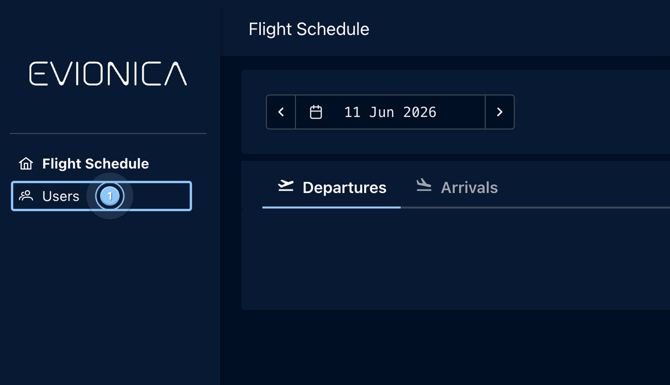
To update the roles, access the Users panel by selecting it on the left menu bar ( 1 )
Select the desired user, click on the Edit icon ( 2 ).

Select the desired roles and click Save ( 3 ).